

Table Block
Table Block
The Table Block allows you to organize data in a structured format. This block is perfect for presenting information in rows and columns, making it easy to compare and analyze data within your documentation.
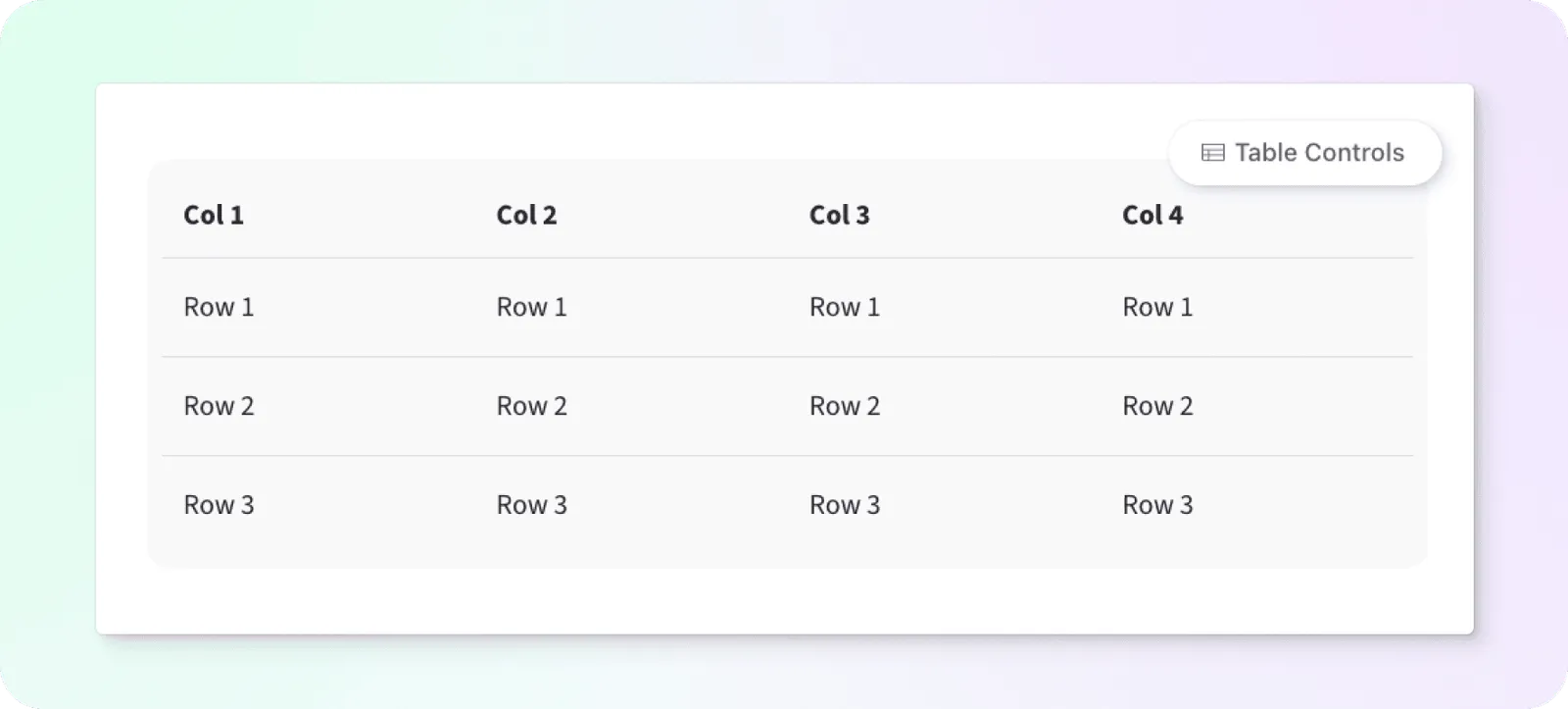
Table Controls
By hovering over the block we can access the table controls menu. Clicking on this expands our toolbar and gives us options to toggle a header column or header row, and to add or delete columns and rows.

Toggle Header Column - Toggles the first column to use table headings.
Toggle Header Row - Toggle the first row to use table headings.
Add Column Before - Add a column before the selected column.
Add Column After - Add a column after the selected column.
Delete Column - Delete the selected column.
Add Row Before - Add row before the selected row.
Add Row After - Add row after selected row.
Delete Row - Delete the selected row.