Figma Plugin
Import Your Figma Variables into Knapsack
What This Plugin Does
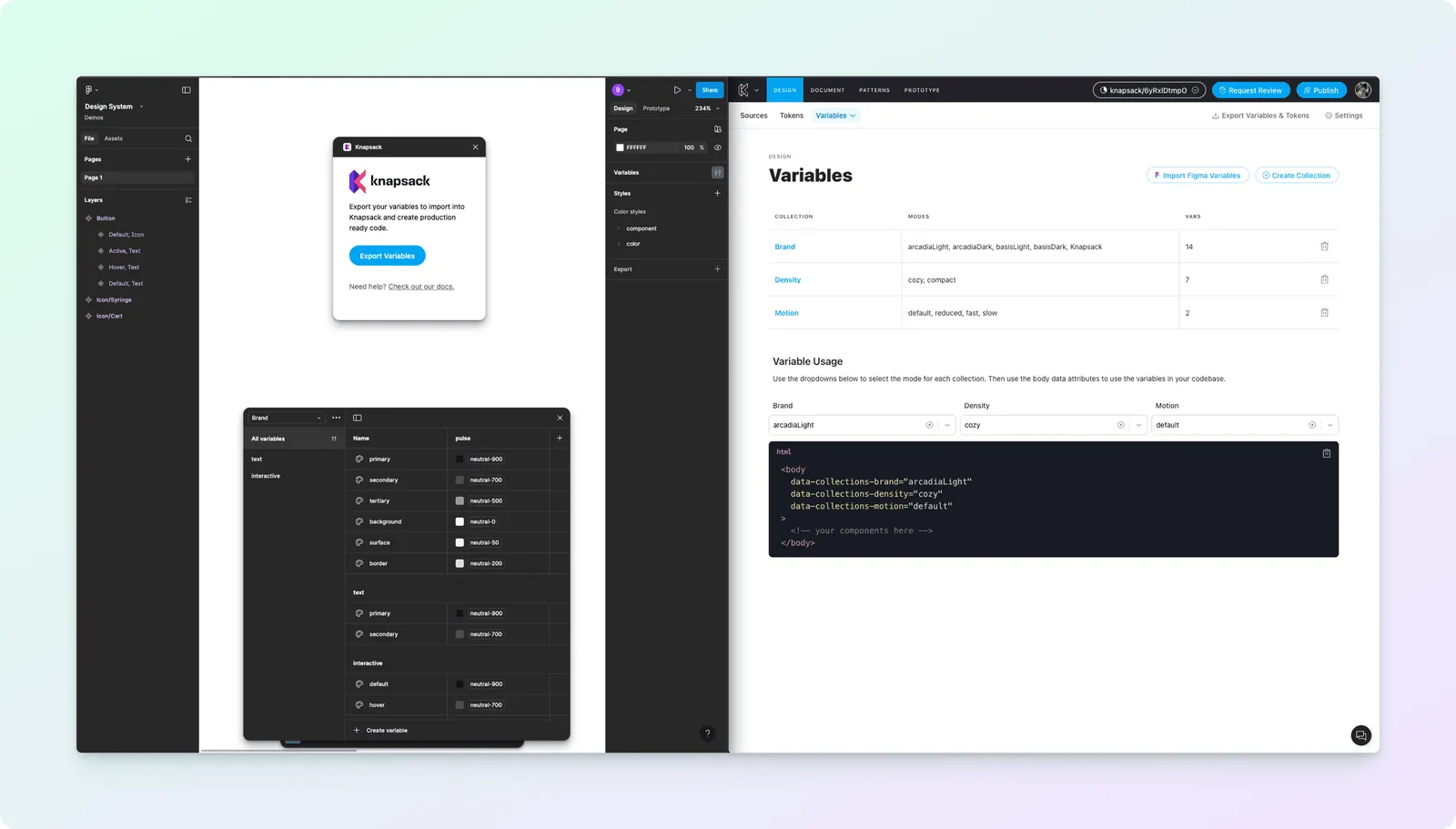
This plugin helps you bring your Figma variables directly into Knapsack, keeping your design system in sync.
Three Simple Steps
Exporting your design variables from Figma is straightforward with the Knapsack Figma Plugin. Follow these steps to generate a JSON file of your variables:
1. Install the Knapsack Plugin in Figma
- Go to the Figma Plugin Directory
- Search for “Knapsack”
- Click “Install”
2. Export Your Figma Variables
- Open your Figma file
- Go to Plugins > Knapsack
- Click “Export Variables”
- Save the JSON file
3. Import into Knapsack
- Open Knapsack
- Go to Design Variables page
- Click “Import Figma Variables”
- Upload the JSON file you saved
- Click “Import Variables”
That’s it! Your Figma variables are now in Knapsack.