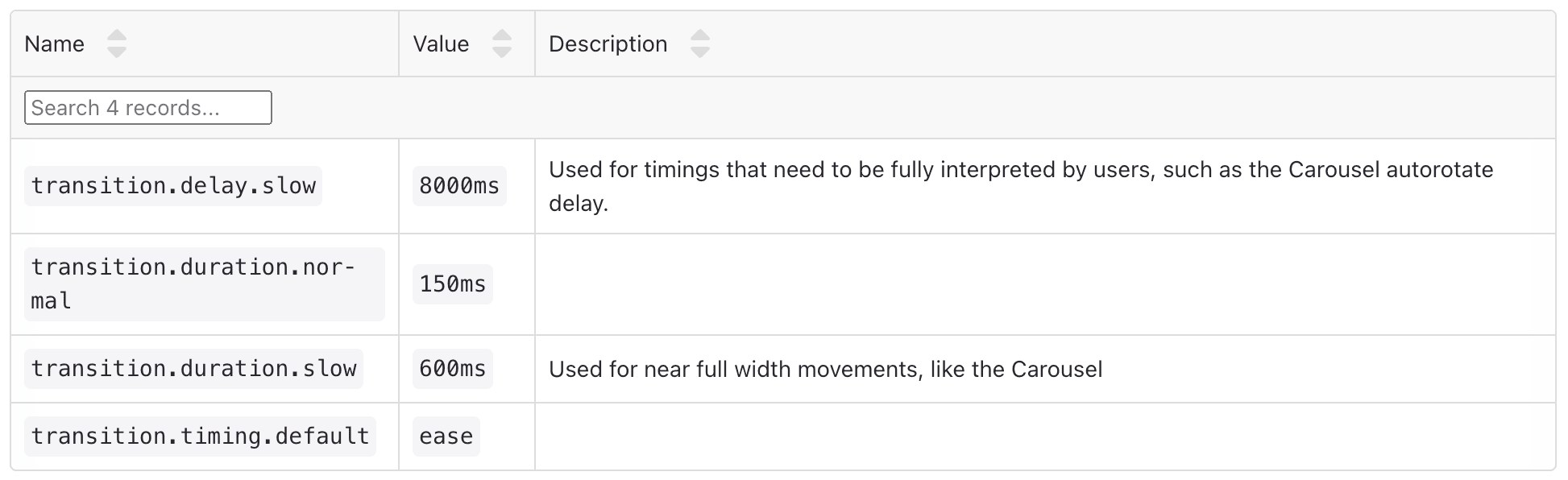
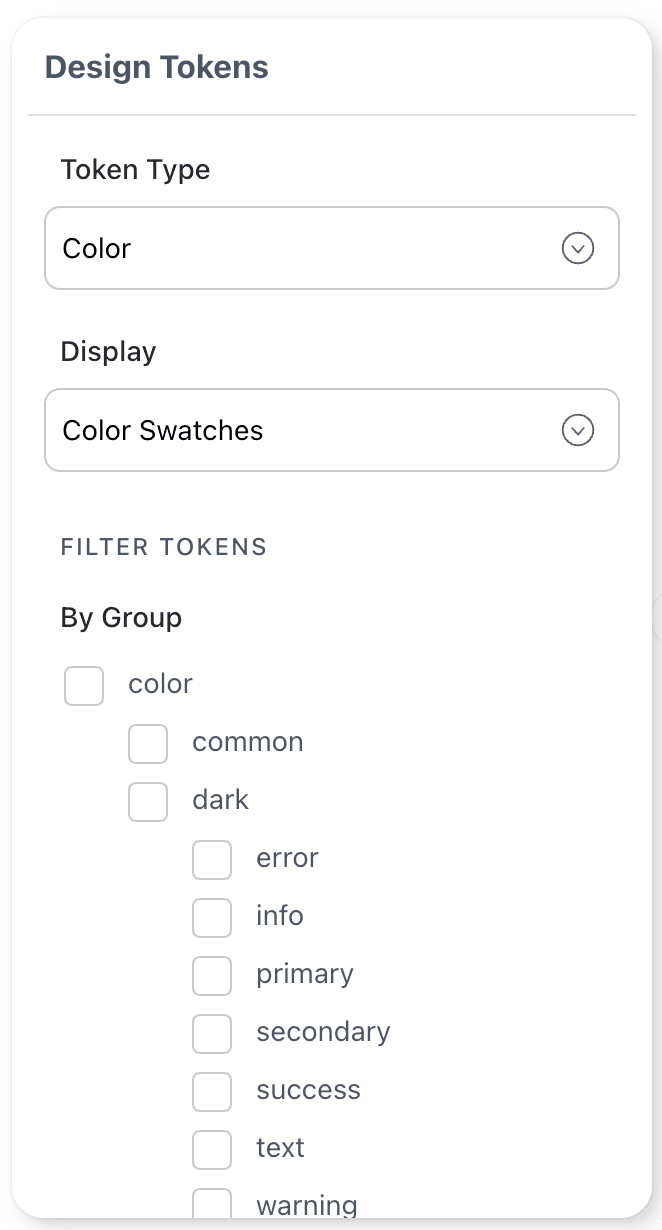
Design Tokens Block
Overview
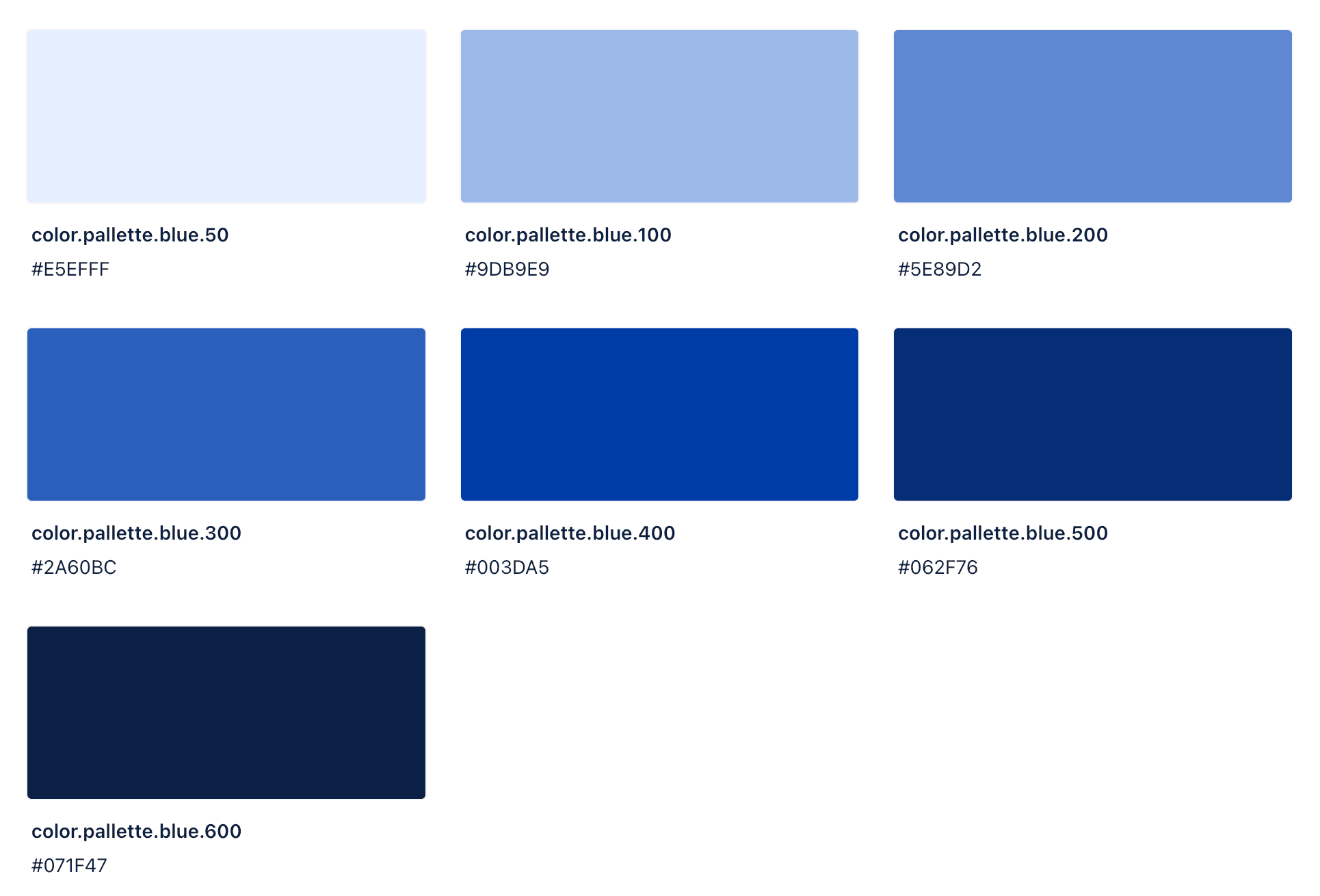
The Design Tokens Block allows you to display your system’s design tokens in a variety of formats, from color swatches and text displays to tables and lists. This block provides a flexible and intuitive way to showcase the design tokens that power your design system, making it easy for users to understand and utilize these foundational elements.
Start by narrowing down the selection of tokens you want to showcase by choosing a Token Type. The design tokens tags list will automatically update to offer relevant sub-category toggles, allowing you to further refine your selection. You can then apply filtering and sorting options to display exactly what you need, giving you full control over which tokens are included or excluded.
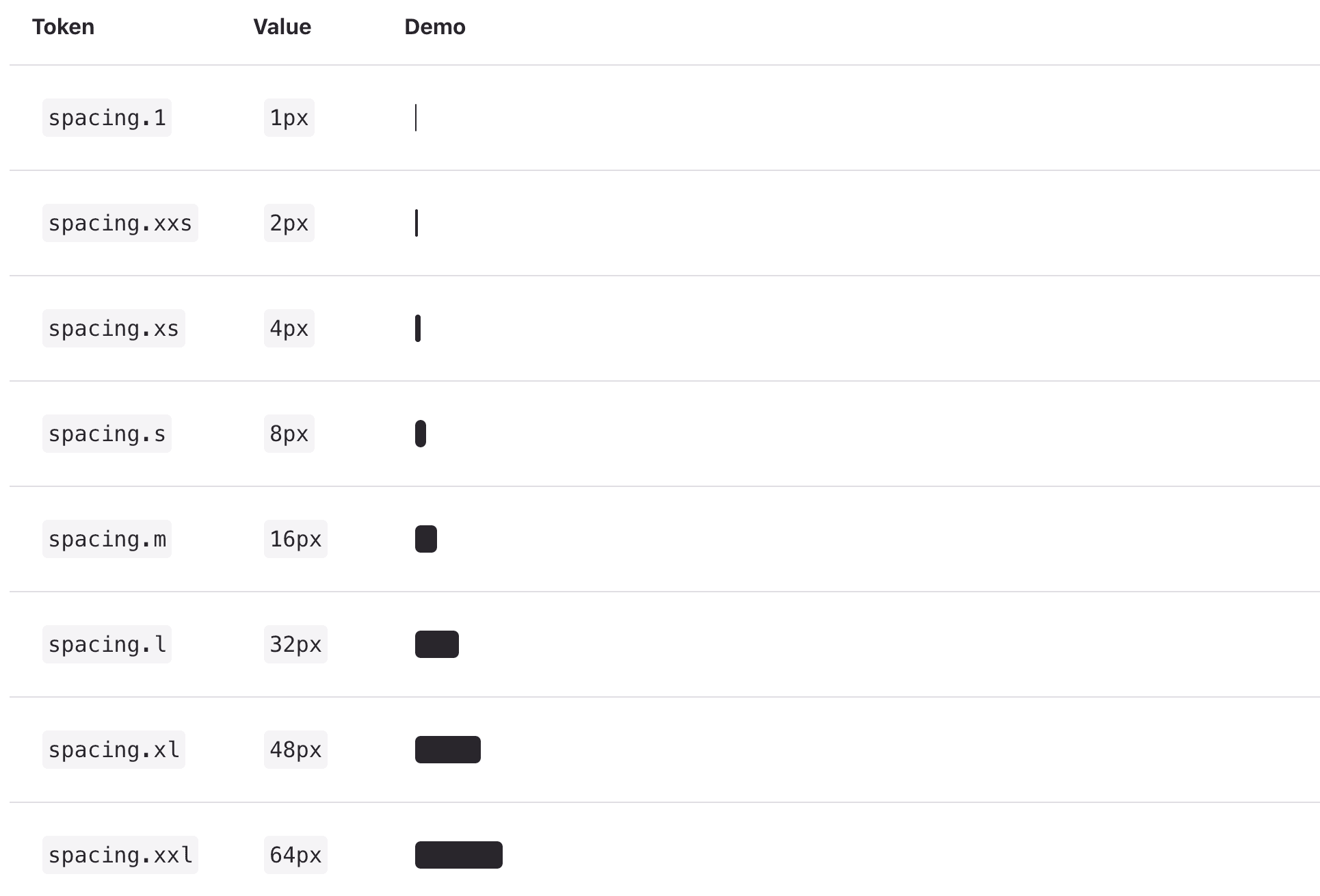
Whether you’re showcasing color palettes, spacing scales, or other token types, the Design Tokens Block ensures your documentation is both informative and visually engaging.
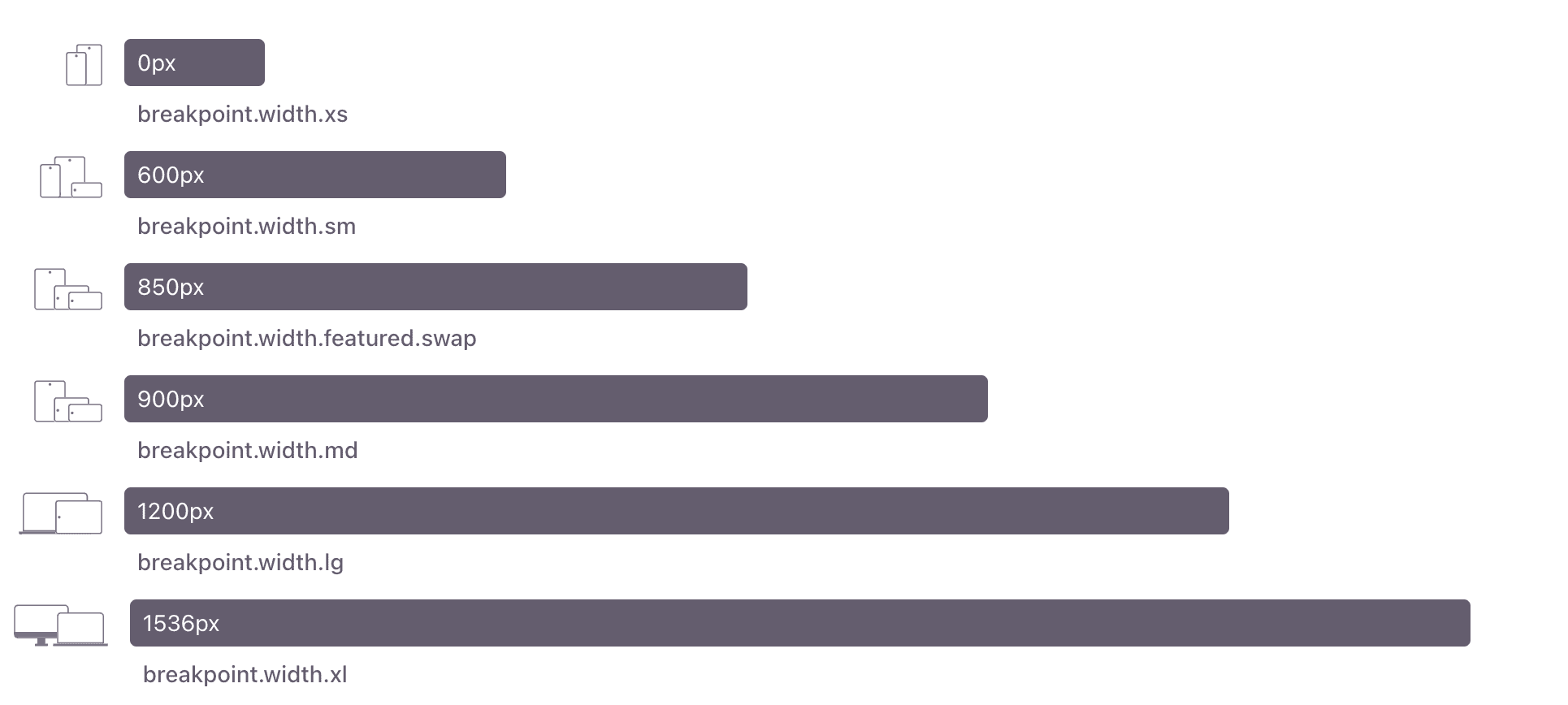
Some examples below:
Color Swatches
Spacing
Media Queries
And more!
Explore additional options like table view, list view, and more!