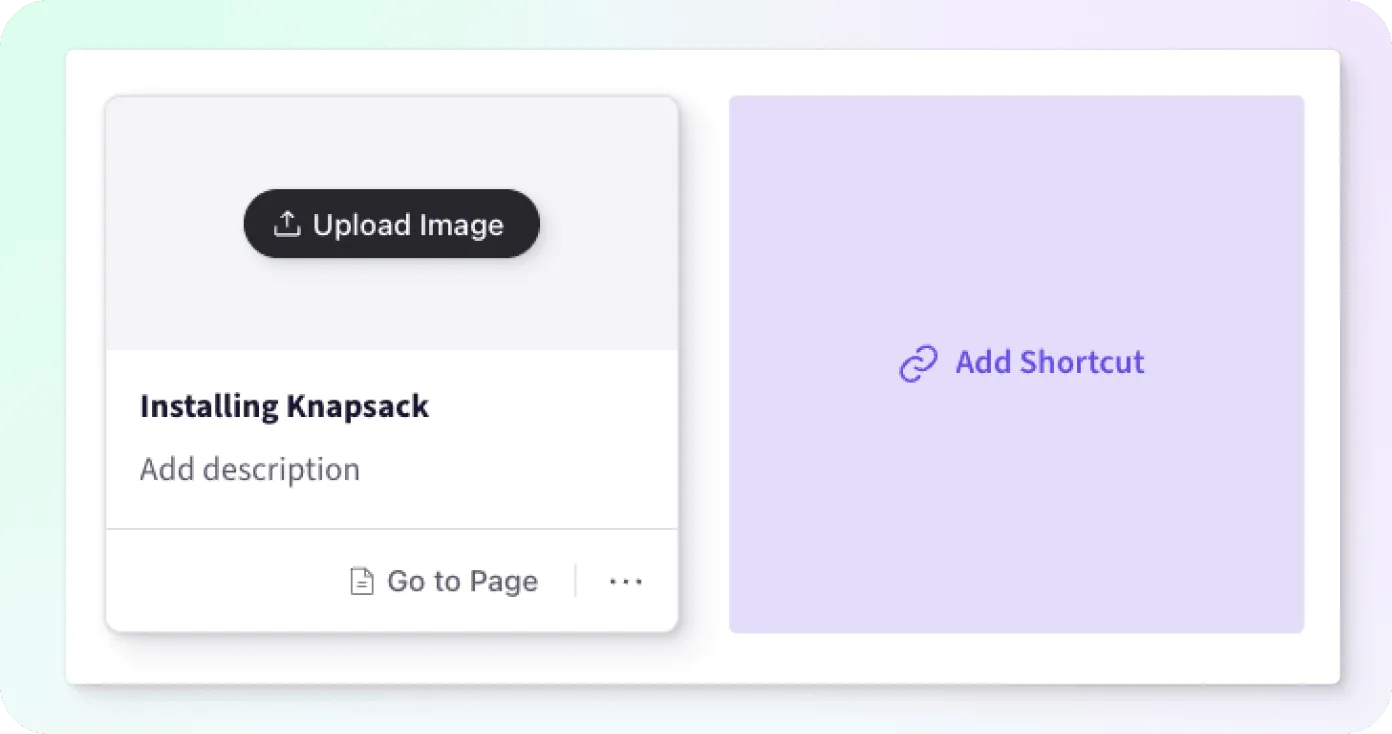
Shortcuts Block
The Shortcuts Block organizes a collection of one or more tiles to represent links. These links can direct users to other content within your documentation or external sources.
Shortcut Block
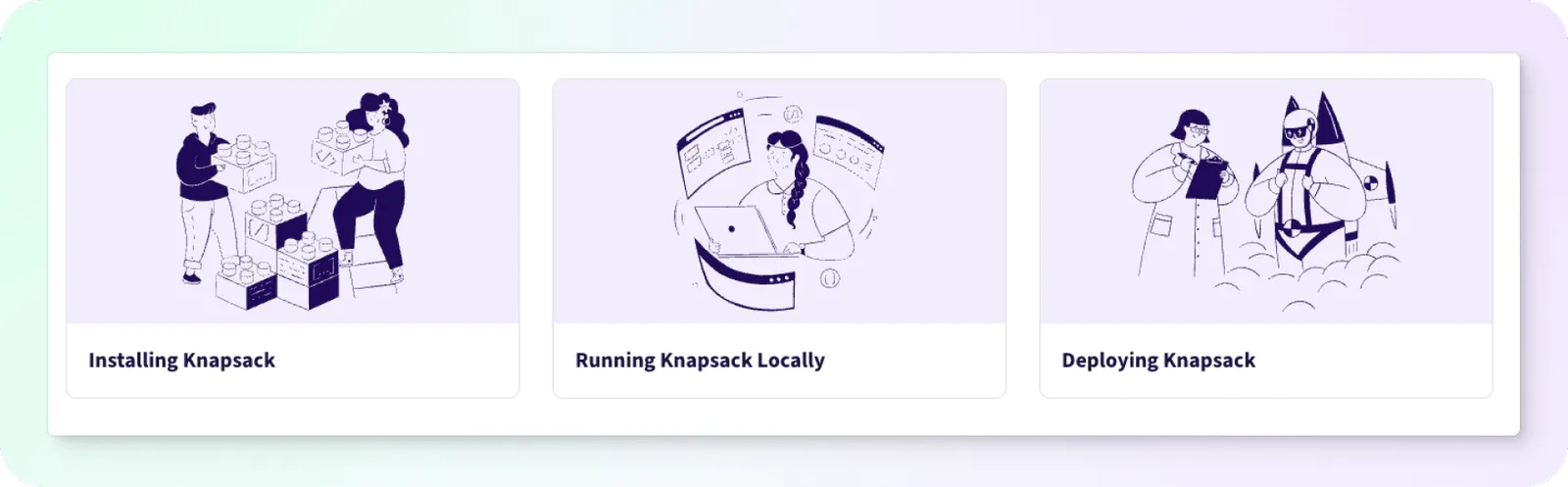
The Shortcuts Block organizes a collection of one or more tiles to represent links. This block is useful for creating quick navigation shortcuts to important pages, sections, or external resources, enhancing user navigation.
Adding Links
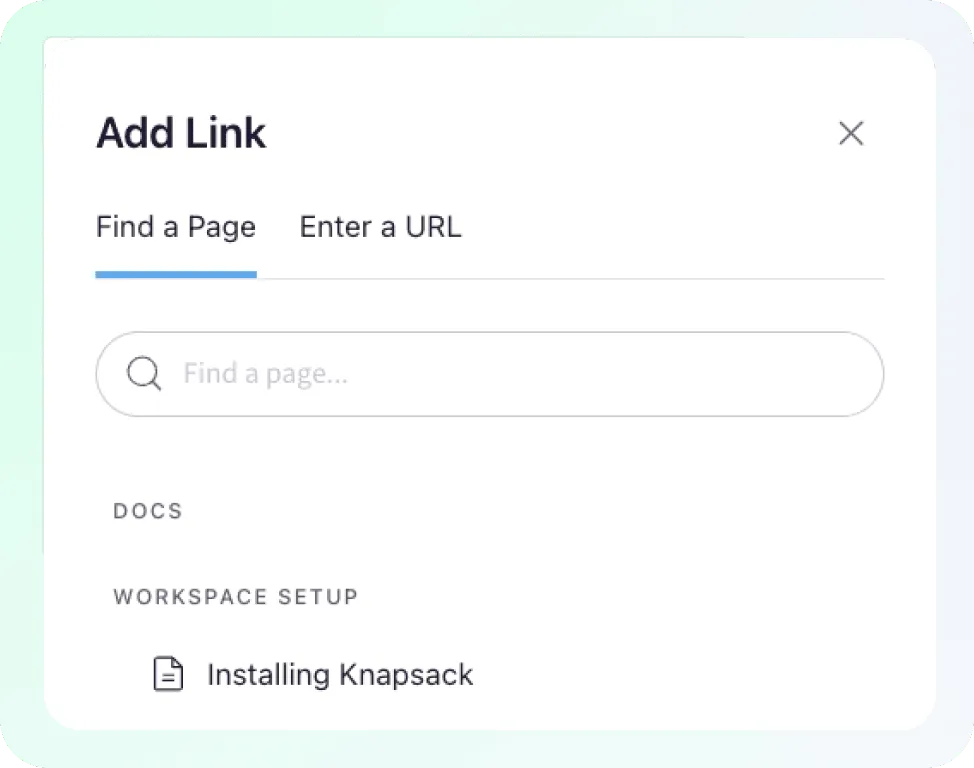
Select the Add Shortcut button to open the Add Link modal, where you will be prompted to select a page or pattern from within your documentation to link to.
If you’d like to link to an external page, you can select the Enter a URL tab and follow the instructions there.
Tile Customization
By default the tile will only render the name of the added link. We can customize the tile to render an image and/or a description to provide the user with additional context.