

Markdown Block
The Markdown Block allows you to add custom content using Markdown syntax. This block supports a wide range of formatting options, enabling you to create rich text content, lists, links, images, and more. It offers a versatile way to incorporate customized and detailed information into your documentation.
The Markdown Block is deprecated, please use the Text Block instead
Overview
The Markdown block enables users to leverage markdown syntax to write documentation.
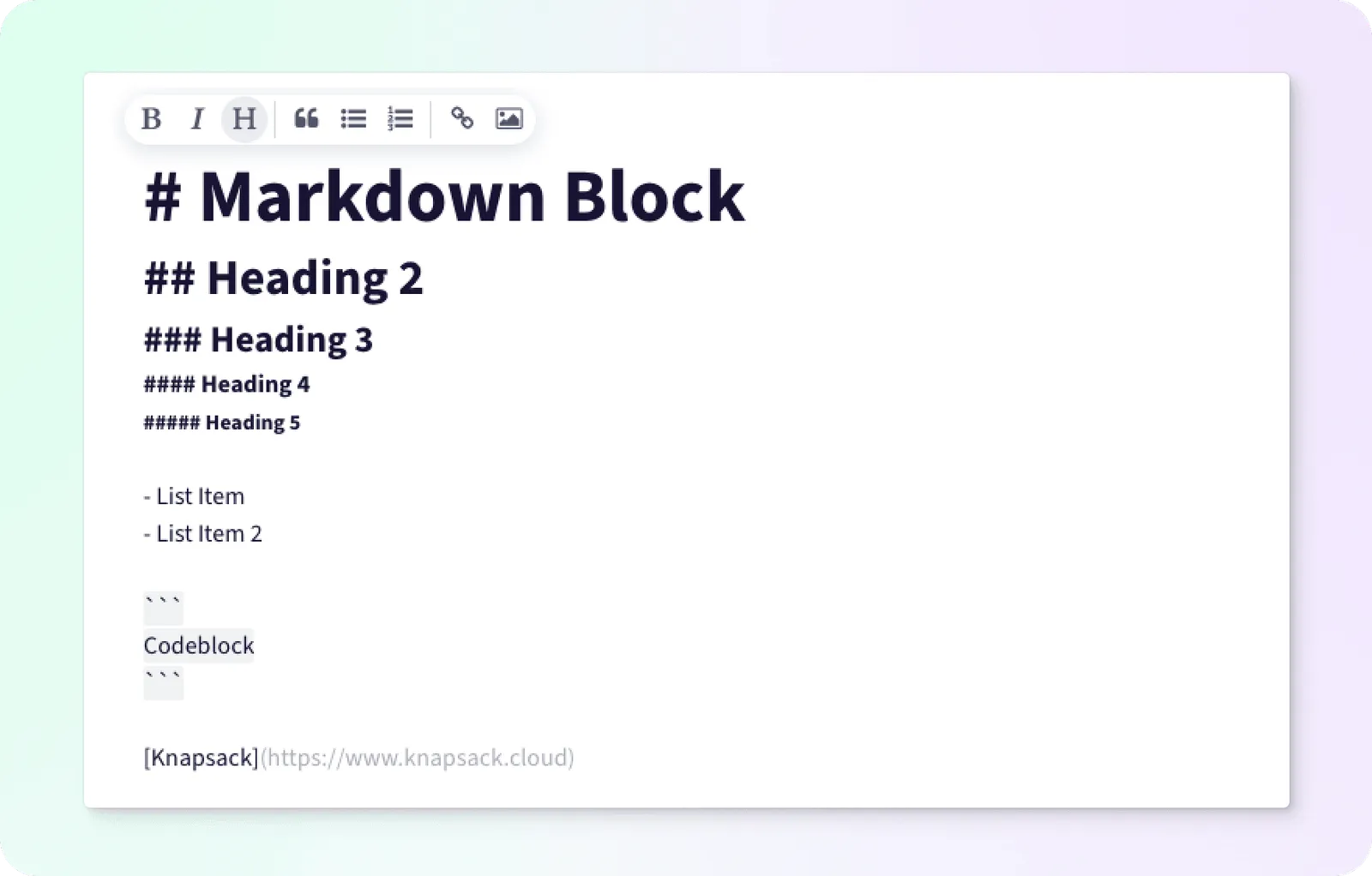
Formatting Text
Use standard markdown syntax to write your text or use the floating bubble menu to apply the formatting.
Bold - Applies bold to the text.
Italics - Apply italics to the text
Heading - Select the desired heading level for the text
Block Quote - Apply block quote styling to the text
Unordered List - Apply unordered list styling to text
Ordered List - Apply ordered list styling to the text
Link - Create markdown formatted link
Image - Add image to block