Patterns Status Table Block
Display a table of the patterns in your design system. This block organizes your design patterns in a tabular format, providing a clear and structured overview of each pattern's status, making it easier to track and manage the components within your system.
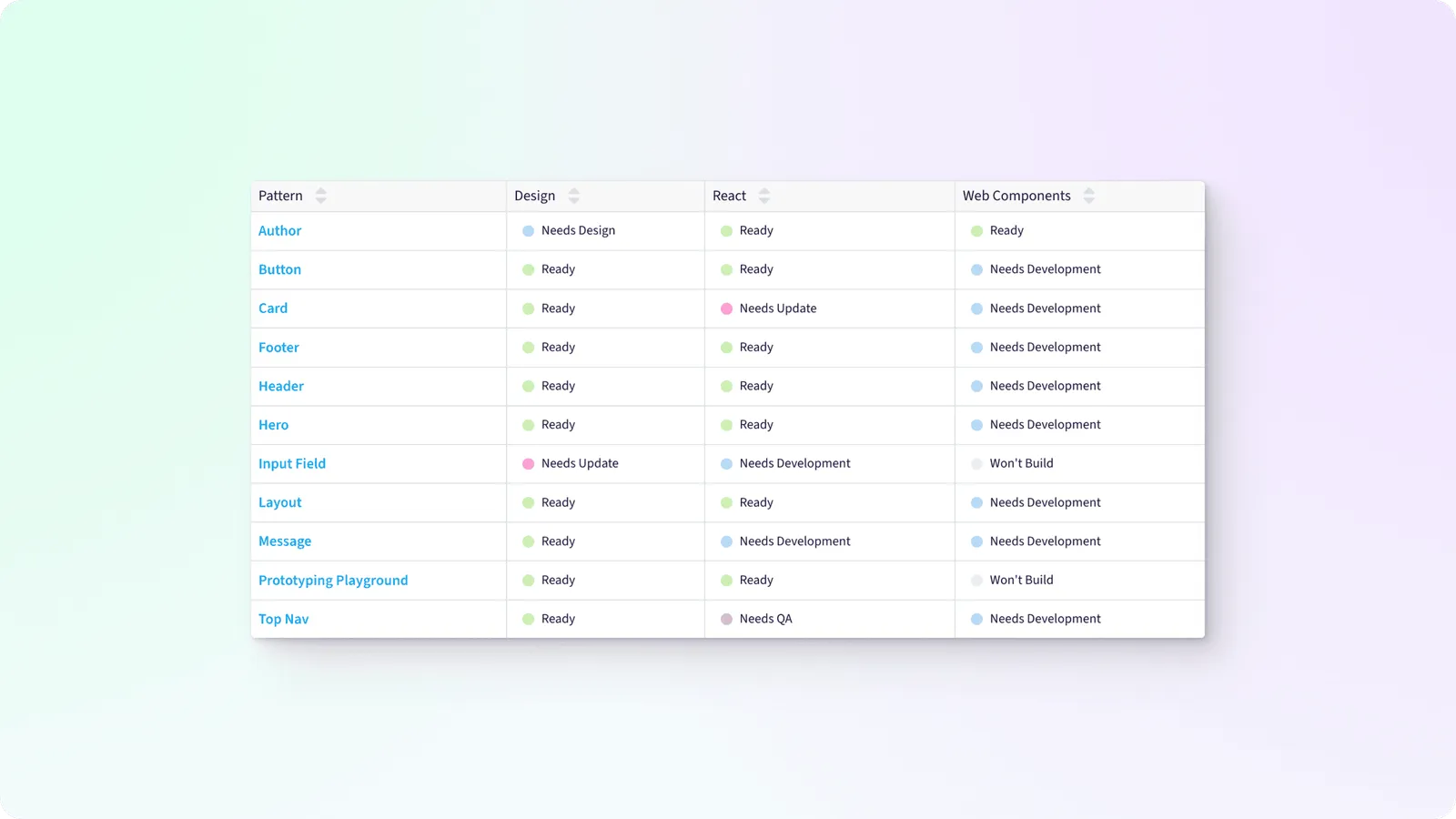
Create a quick view into that status of every pattern, or a subset of patterns, in your system.
Block Options
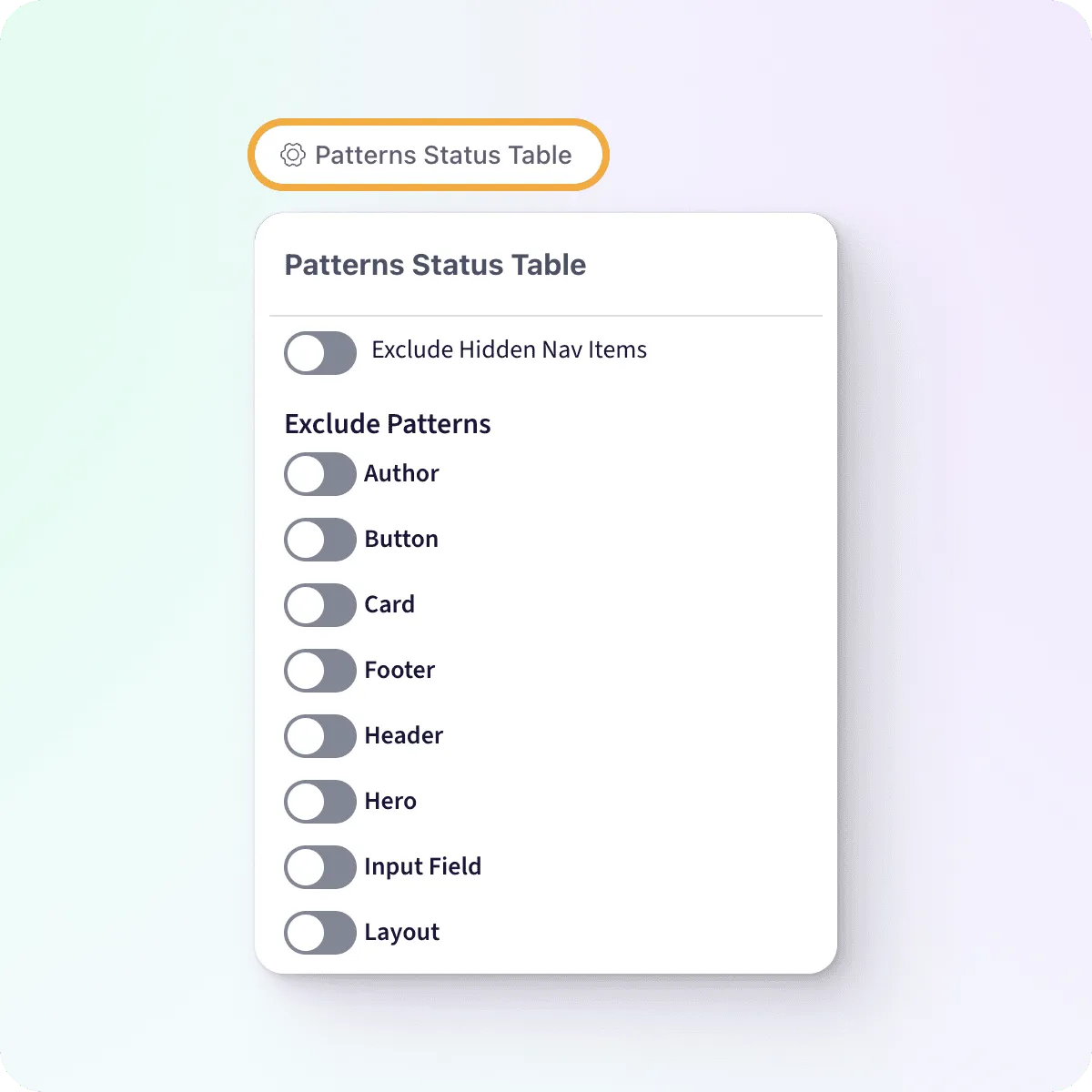
Hover over your block to expose the options trigger, then click to expand the options menu.
Exclude Hidden Nav Items
Hidden nav items will appear as grayed text in the table by default. You can choose to remove them completely by toggle this setting on.
Default: off
Exclude Patterns
By default the Patterns Status Table shows a row for every pattern you’ve added to your workspace. You can choose to limit the Patterns that are displayed excluding specific items in the list.