

Callout Block
Creates a callout banner to share pertinent information with the user
Callout Block
The Callout Block creates a callout banner to share pertinent information with the user. This block is ideal for highlighting key details, warnings, or other important messages that need to stand out.
Callout Types
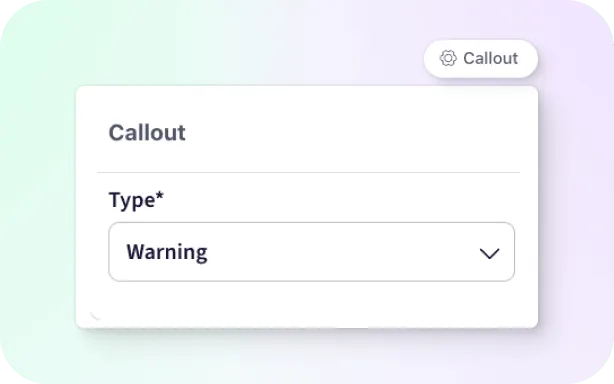
Hover over the block to reveal the Callout menu trigger. Select the callout menu to change the type of callout to render, this will change the color theme and the icon used in the callout.
Error
Create a red callout to represent critical information
The error callout can be used for critical information
Info
Create a blue callout to share helpful tips or info
The info callout can be used for adding additional context
Success
Create a green callout to represent an accomplished task or valid information
The success callout can show the user they are on the correct path or have completed a task
Warning
Create an orange callout to represent a need for caution
The warning callout can show the user that they should watch for potential issues or double check their workflow