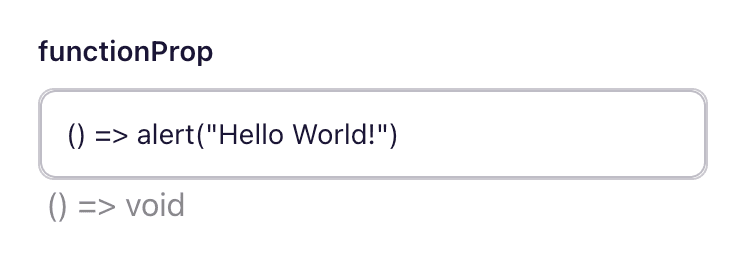
Using Functions as Props
Explore the benefits of passing functions as props to enhance the interactivity and behavior of your components.
Note: Currently, this feature is only available for our React renderer.
Overview
This guide explains how to use callback functions and handlers within your prop configurations. Sometimes, you may need to pass a function into a component. This can be accomplished by using function props, allowing your components to handle events and execute custom logic efficiently.
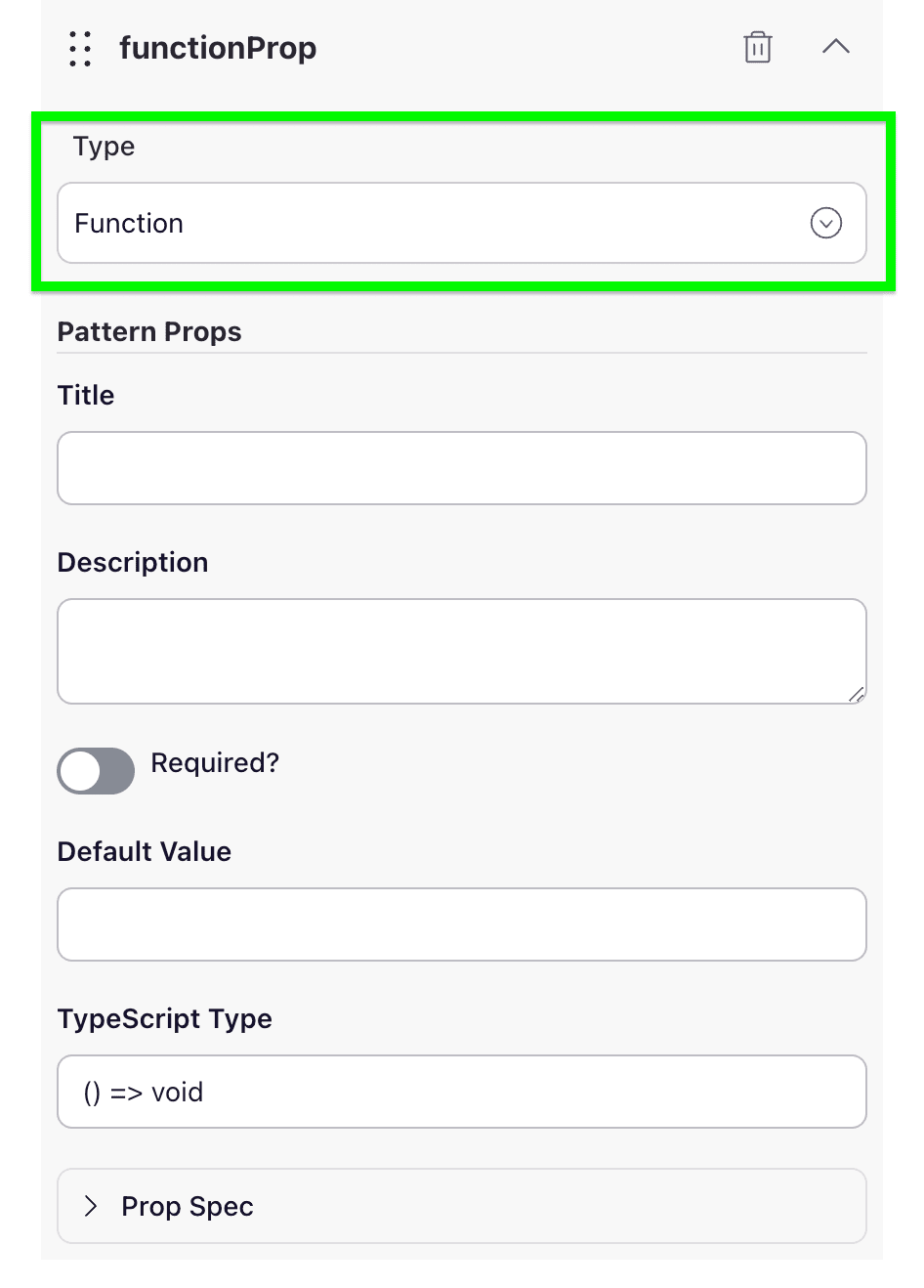
Step 1: Add the function prop
The first step in the process involves adding the function prop to the components spec.
Conclusion
Pulling it all together we can now use functions as props 🎉