Image Gallery Block
Add and manage images for your documentation. This block is ideal for showcasing visual content and illustrations that complement your documentation.
Overview
Add and manage images for your documentation. Click the block to upload or you can drag and drop the desired image directly to the block.
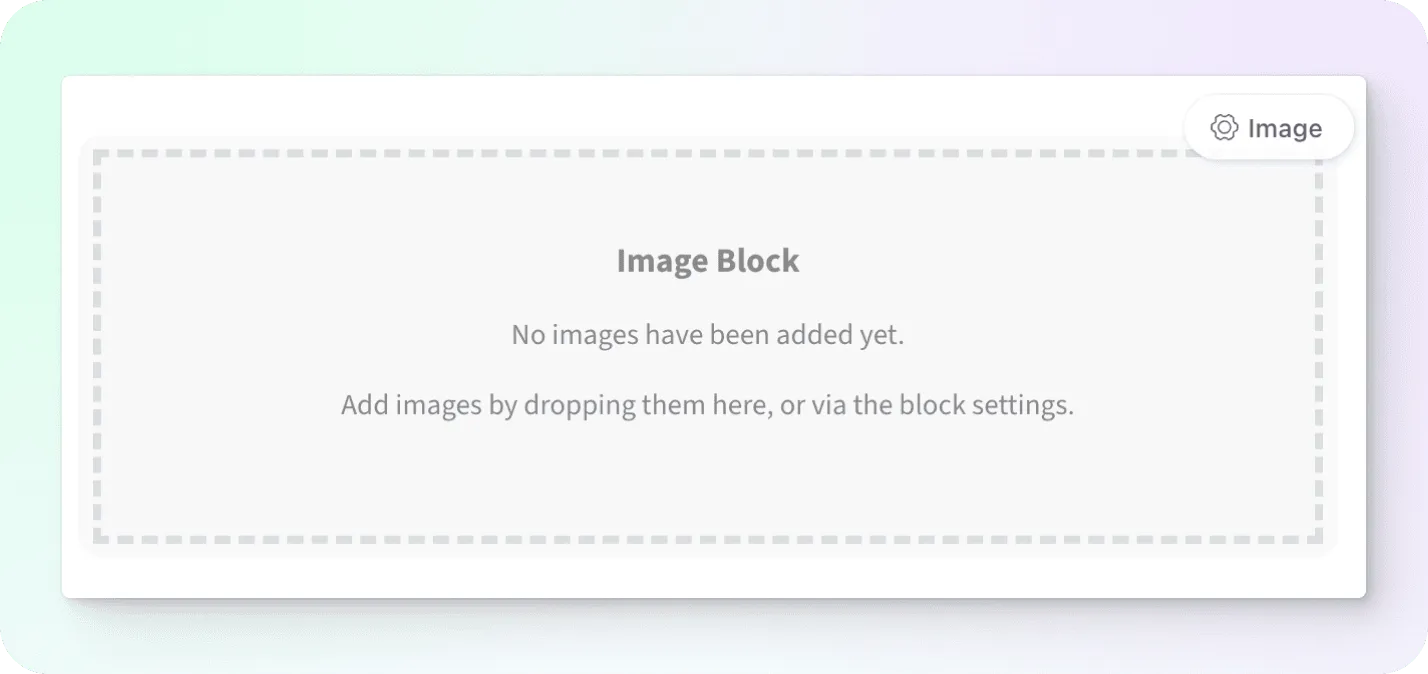
Image Size
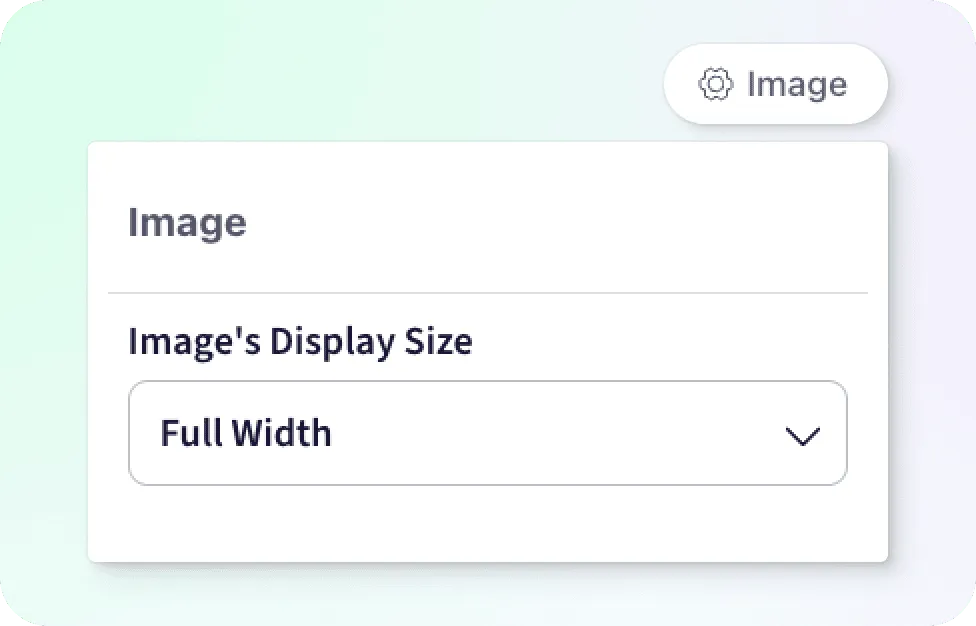
Selecting the Image settings button we can adjust the rendered size of the image from small to full-width.
Alt Text
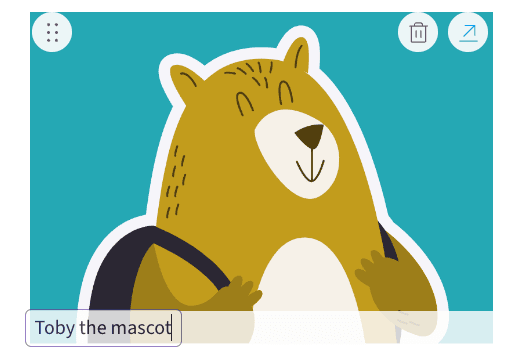
Add alt text to the image by using the input field at the bottom of the image.
Reorder
Use the drag handle at the top left of the image to reorder the image when you have multiple images in the block