Content Block Settings
To access Content Block settings you must be a Contributor or Admin. Reach out to an admin on your team to adjust your permissions.
Overview
This document provides guidance on how to configure and customize the settings for content blocks within your Knapsack workspace. These settings allow you to control default behaviors, such as whether block headers are shown by default, and adjust the display format for design token names. By tailoring these settings to your preferences, you can ensure that content blocks align with your brand standards and provide a consistent user experience across your documentation.
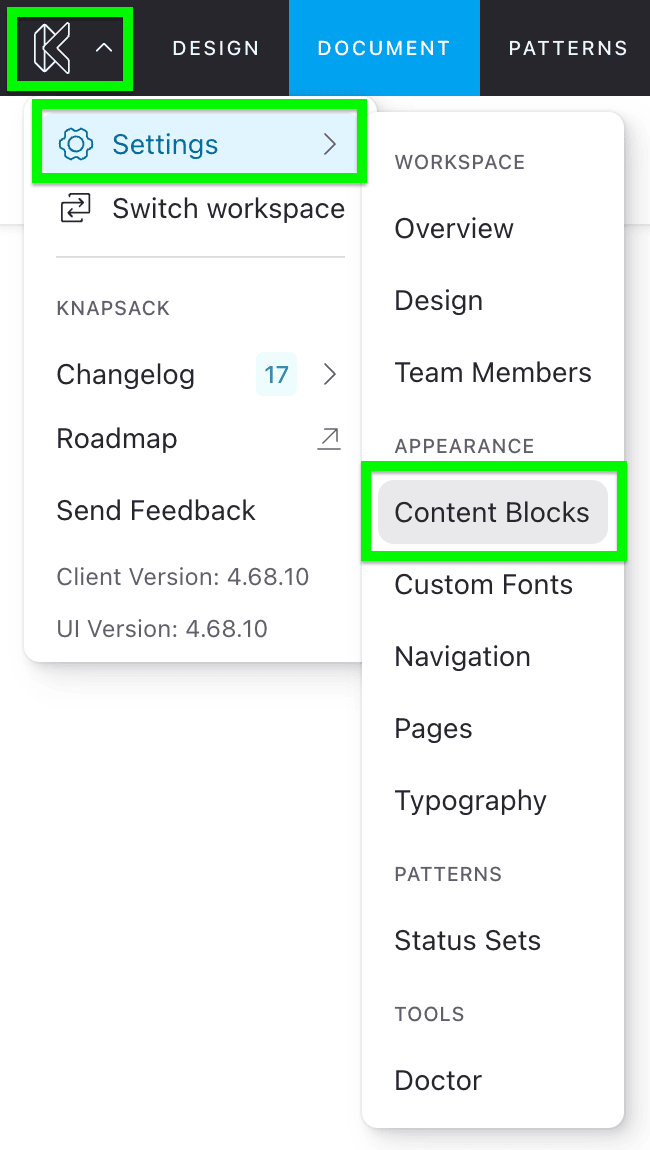
Accessing content block settings
To access content block settings, go to the app menu in the top left of the screen, select Settings, and navigate to Content Blocks in the sidebar.
General block settings
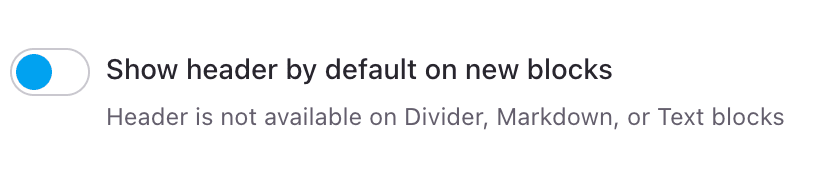
Show header by default
Block headers allow certain block types to display a title and description within the block itself. By default, new blocks have this header toggled off. In this setting, you can choose to have the header toggled on by default for all new blocks that support it.
Please note that headers are not available for Divider, Markdown, or Text blocks.
Design tokens
Name display format
This setting allows you to change how your token names appear in content blocks. By default, Knapsack displays the token ID. You can customize this to one of the following formats:
- Default (Token ID)
- Android
- CSS Var
- JSON
- LESS
- SCSS
- Swift
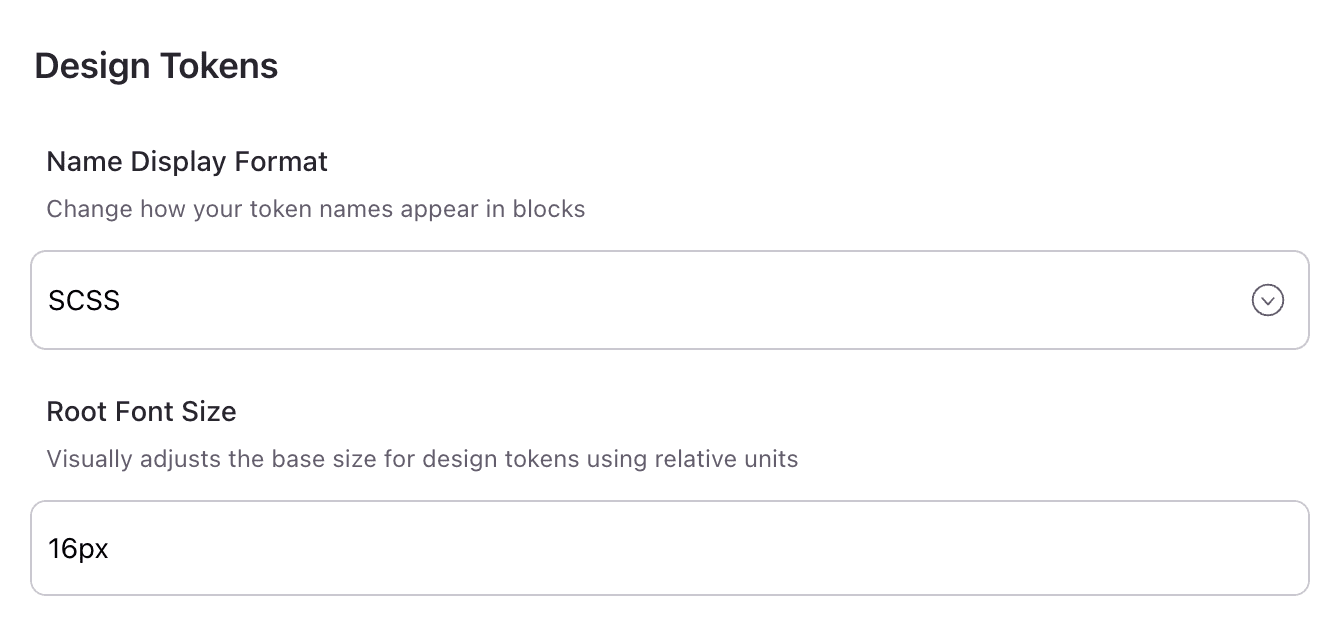
Root font size
Adjust the base font size for design tokens using relative units. By default, the root font size is set to 16px. Changing this setting affects how design token values are rendered in content blocks, but it does not impact the actual output of your design system.
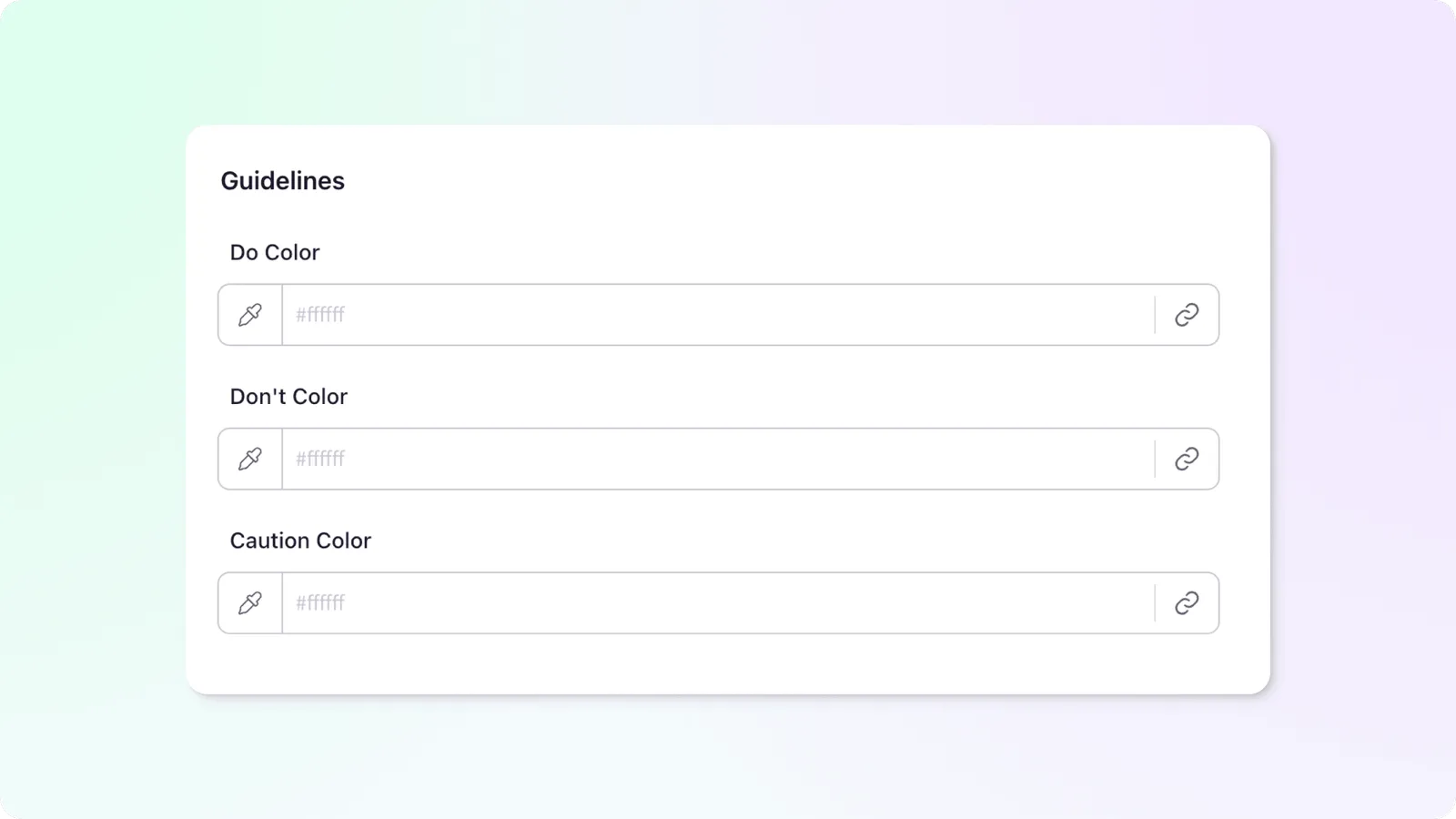
Guidelines Blocks
Set the colors for each type of guideline to align with your brand standards. This ensures that your guidelines are visually consistent with the rest of your design system documentation.