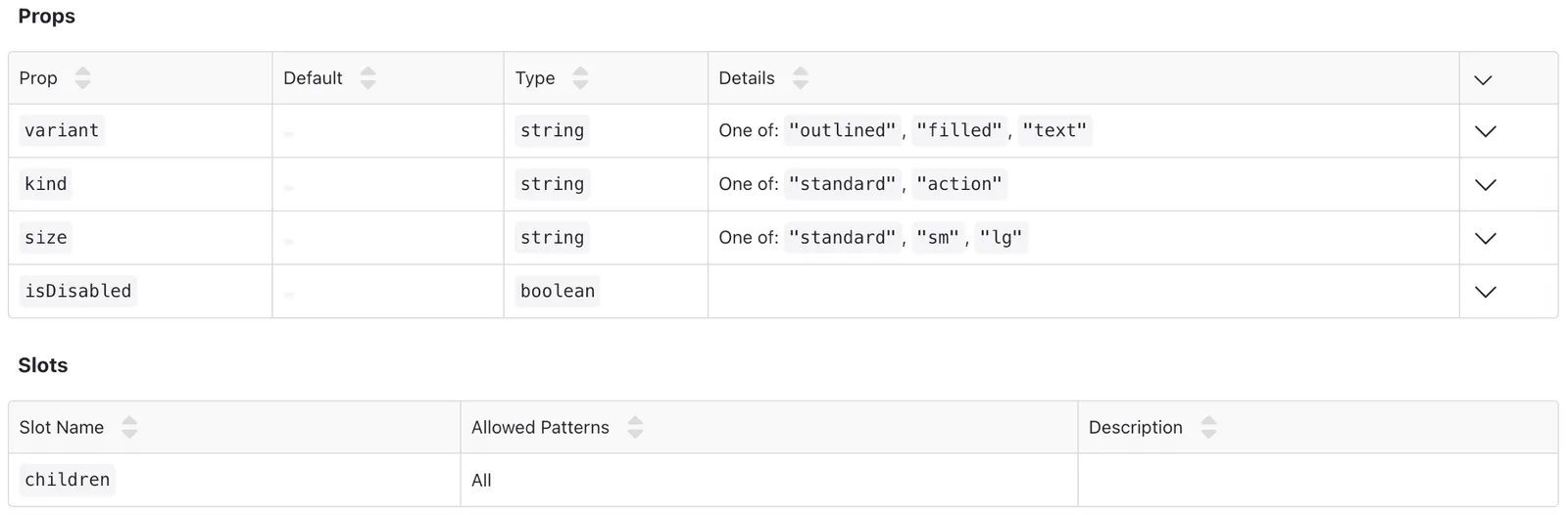
Template Spec
Display Component Specifications Anywhere in Your Documentation.
Overview
The Template Spec content block is a streamlined and efficient way to showcase your component specifications directly within your documentation. Whether you’re documenting a specific template or providing details on its structure and behavior, this block allows you to seamlessly embed your template’s spec wherever needed.
Customization options include:
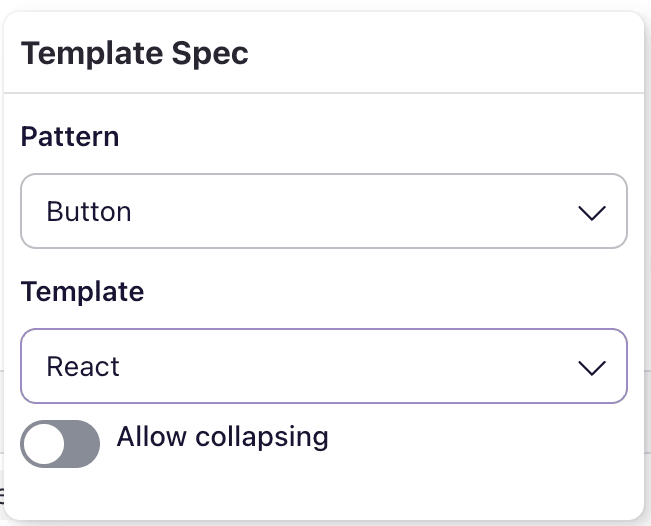
After selecting a template and its associated renderer (e.g. React, Vue, etc.), you can configure the block to meet your needs.
- Allow Collapsing: Enable this option to make the spec collapsible, giving users control over when to view the details.
- Expanded by Default: If collapsing is enabled, this option allows the spec to be expanded by default when the page loads.
The Component Spec content block provides flexibility and organization, allowing you to present vital component details clearly and accessibly.
Example screenshot
The below example shows a React Button template spec: