

Using Image Property Detection
Overview
The Image Property Detection feature automatically identifies properties related to images in your system. It helps streamline processes that involve handling images, ensuring that image-related properties are recognized without requiring manual intervention. If an image property is detected, the property field will receive an image upload option for users to easily upload assets.
How It Works
Automatic Recognition of Image Properties
The feature detects property names that are commonly associated with images, such as image, img, or src.
Intelligent Name Analysis
If the property name is in “camelCase” (e.g., productImageSrc), or is multiple words (e.g., product image src) the feature automatically breaks it down and evaluates its components.
Implementation
The property name must equal or end with one of the following values:
- image
- imageSrc
- imageUrl
- img
- imgSrc
- imgUrl
- src
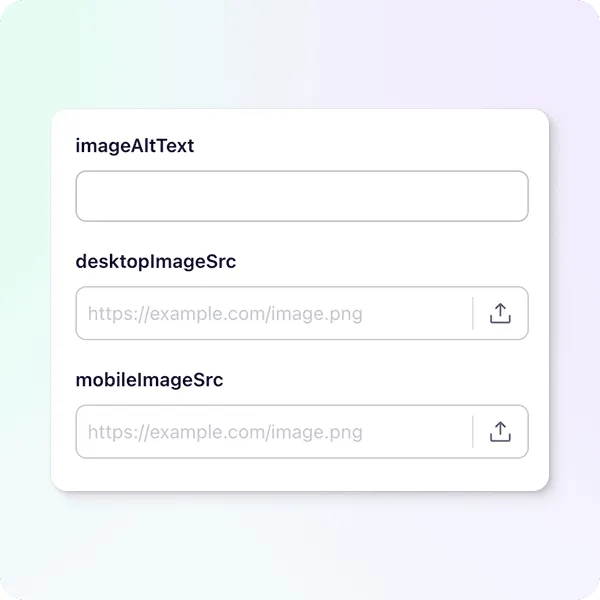
Examples
Properties that will be recognized as image-related:
imageimageSrcimgUrlprofileImageSrcmobile image url
Properties that will not be recognized as image-related:
imageAltTextimageSrcDesktopimgUrlslogoimg size