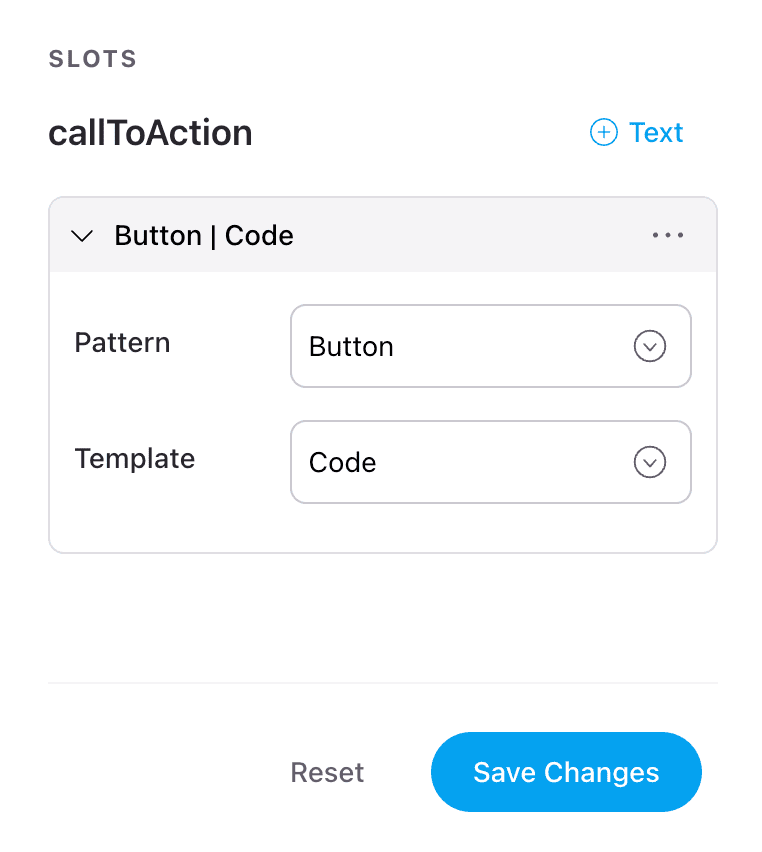
Using Components as Props
Discover the power of using components as props to create more modular and reusable code.
Note: Currently, this feature is only available for our React renderer.
Overview
This section will show you how to pass entire components as props, enabling greater flexibility and customization in your applications.
Step 1: Adding the initial slot
The first step in the process involves adding the initial slot and then opening up the configuration options.
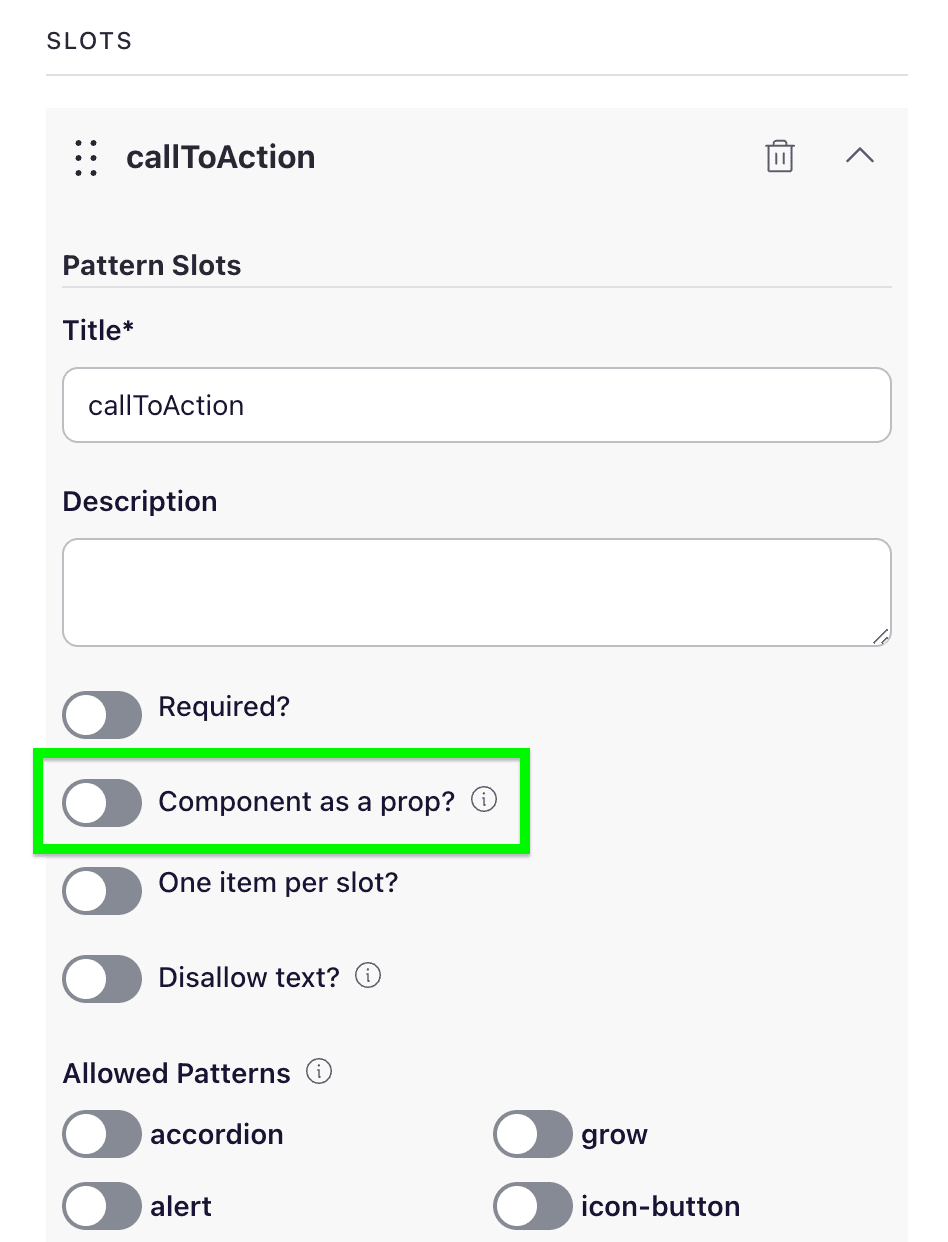
Step 2: Enable the option for "Component as a prop"
Near the bottom of the configuration for the slot is a boolean option to enable/disable component as a prop.
Conclusion
Pulling it all together we can now use components as props 🎉