Adding Blocks
Learn how to enhance your documentation by adding dynamic content blocks.
Where can I add content blocks?
Content blocks can be added to a Page, Pattern Documentation Tab, or a Pattern Template Tab. You’ll see a placeholder in these areas where you can start adding new blocks.

Content Block Placeholder
Adding a content block
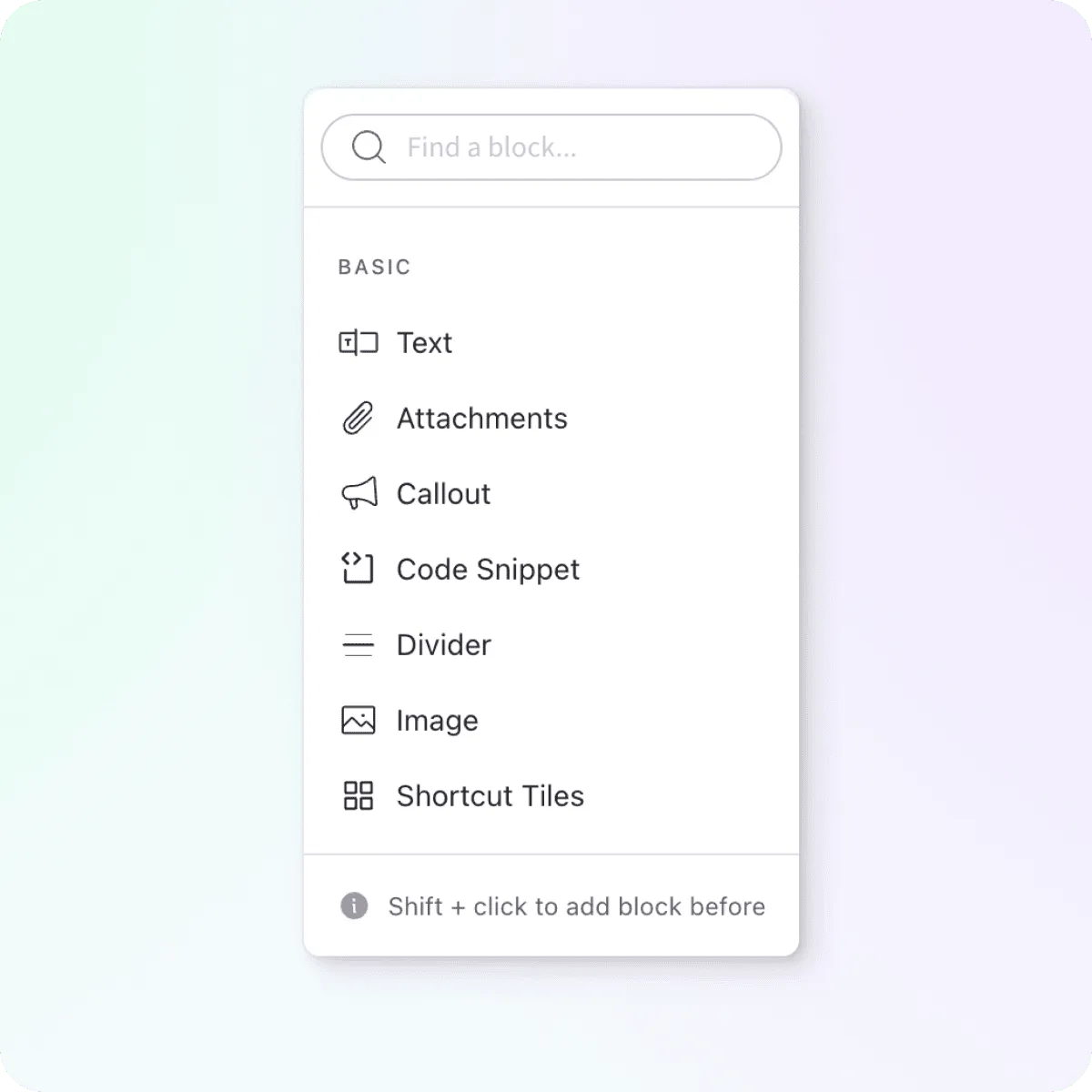
While in edit mode, hover over a block to expose the block list trigger to the left. Once the list is open, you can search or scroll to find the specific block type you want to add. Check the Blocks Overview page for the full list of available block types.
_Tip: _To add a block before, hold the shift key down when selecting the type of block to add.