Advanced Prop Configurations
Overview
Welcome to the “Advanced Prop Configurations” section. Here, you’ll delve into sophisticated techniques for applying advanced prop configurations within JSON Schema. This documentation will guide you through various advanced scenarios, helping you harness the full potential of prop configurations to build more dynamic and flexible components.
Whether you are dealing with complex data structures, custom components, or multiple prop types, these guides will provide you with the necessary knowledge and examples to master advanced prop handling.
Tip: you can use this utility to show detailed examples of the JSON Schema Spec.
Editing the Prop Spec (JSON Schema)
For all of these advanced prop implementations you will need to edit the component’s “Prop Spec” using valid JSON Schema format.
Steps to edit the “Prop Spec”
- Navigate to the component for which you’d like to edit the Prop Spec.
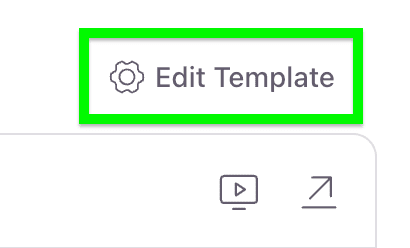
- To the right and above the Pattern Stage, click the “Edit Template” button.
- From the fly-out on the right select the “Spec” tab.
- Here click the “down arrow” on the prop for which you’d like to edit the Prop Spec.
- Proceed into one of the below advanced techniques.