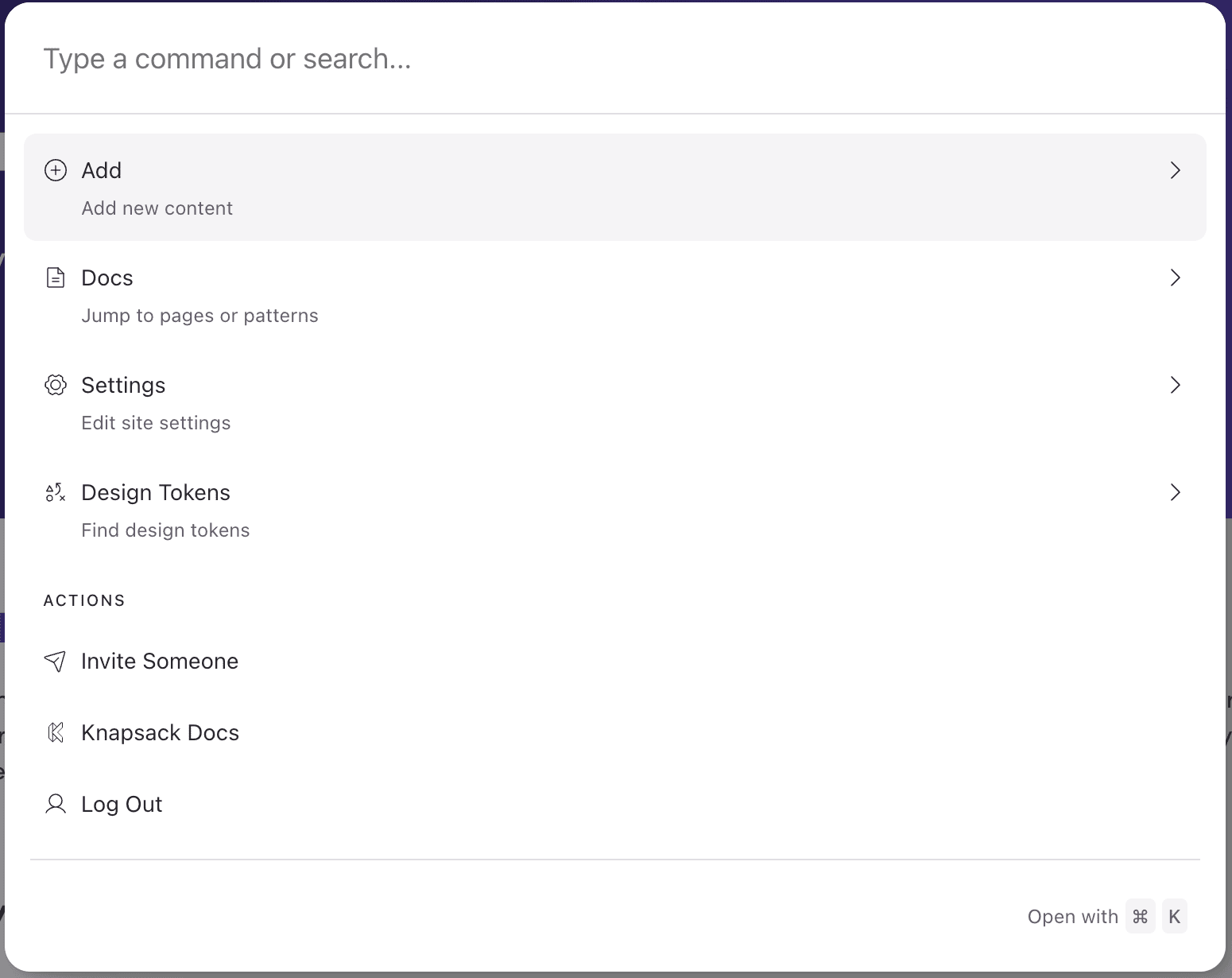
Search (Command Bar)
Quickly Navigate and Access Content Across Your Knapsack Workspace.
Overview
The Search (Command Bar) feature in Knapsack allows you to quickly find and access pages, components, and other content within your workspace. This guide will help you effectively use the command bar to streamline navigation and speed up your workflow, making it easy to locate key information and assets across your design system.
Using the Command Bar
You can access the command bar in two ways:
- By clicking the search icon in the top-right navigation bar.
- By using the keyboard shortcut
cmd+k.
Available Actions
The command bar allows you to quickly perform various actions, including:
- Adding new content
- Pages
- Patterns
- Navigation Groups
- External Links
- Jumping to or searching for specific pages or documents
- Editing site settings
- Quickly finding design tokens
Additional actions include:
- Inviting someone to the workspace
- Accessing Knapsack documentation
- Logging out of the workspace